
TLauncher servers are Minecraft multiplayer servers that players can access through a compatible game setup. Each server has its own address, rules, game modes, and version requirements. Before joining, check the server address and make sure the Minecraft version on your PC matches the version supported by the server.
What Are TLauncher Servers?
TLauncher servers are simply Minecraft servers that users try to access through the launcher. The launcher does not create or host these servers. It provides a way to start a Minecraft version and connect to a multiplayer server. A server can offer different modes, such as survival, SMP, BedWars, minigames, or creative gameplay. The connection rules are controlled by the server owner, so requirements can differ from one server to another.
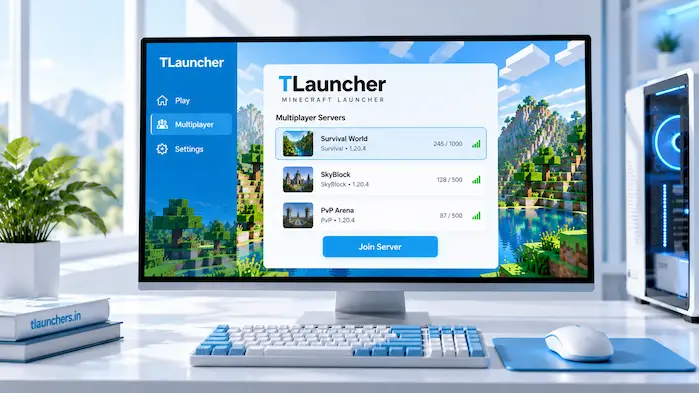
How TLauncher Servers Work
A Minecraft server runs on a separate computer or hosting system. Players connect to it using a server address. The address can be a domain name or an IP address with a port when one is required. Your Minecraft client must also use a compatible version. If the server runs one version and your client uses another, the connection may fail. Other requirements can include account authentication, specific mods, or server-side rules. Always check the server information before trying to connect.
For a broader look at the launcher, its Minecraft versions, multiplayer features, and other core options, visit the TLauncher homepage.
Minecraft Servers for TLauncher
Minecraft servers for TLauncher can include many types of multiplayer experiences. The important factor is not the launcher name but whether your Minecraft setup meets the server’s connection requirements. Some servers support standard gameplay, while others focus on specific modes. A server may also restrict access to certain Minecraft versions or account types.
Before joining, check:
These details can save time when a connection does not work.
How to Join a Server
Joining a multiplayer server starts with getting the correct server address. After that, open the multiplayer section of your Minecraft setup and add the server information. Use the same Minecraft version that the server supports. If the server requires a specific version, switching to that version may be necessary before connecting.
Find the Server Address
A server address tells Minecraft where to connect. It can look like a domain name or an IP address. Copy the address carefully. A missing character, extra space, or incorrect port can prevent the connection. Do not assume that every address found on a random website is active. Server information can change, and old addresses may stop working.
Check the Minecraft Version
Version compatibility is one of the first things to check when joining multiplayer. A server may support one release or a range of compatible releases. Look at the server’s current information before selecting your Minecraft version. Using a different release can result in an incompatible-client or incompatible-server message.
Add the Server
Open the multiplayer section and choose the option to add a server. Enter the server name and address in the appropriate fields. The name is only for your own reference. The address is what Minecraft uses to find the server. Save the entry and check whether the server appears in the multiplayer list.
Start Multiplayer
Select the server from the list and start the connection. Minecraft will attempt to contact the server and check whether the client can join. If the connection fails, read the error message before changing several settings. The message can point to a version, network, authentication, or server availability problem.
If you still need to set up the launcher on your PC, follow the TLauncher Download guide for installation and setup information.
TLauncher Server Address and IP
A server address identifies the destination for a multiplayer connection. Some servers use a simple domain, while others provide a numerical IP address. A port may also be needed. If a server gives you an address in the form of an IP followed by a port, enter the information exactly as provided. Keep in mind that an IP address can change when a server moves to another host. A domain can be easier for a server owner to maintain because it can point to a new location without requiring players to remember a new numerical address.
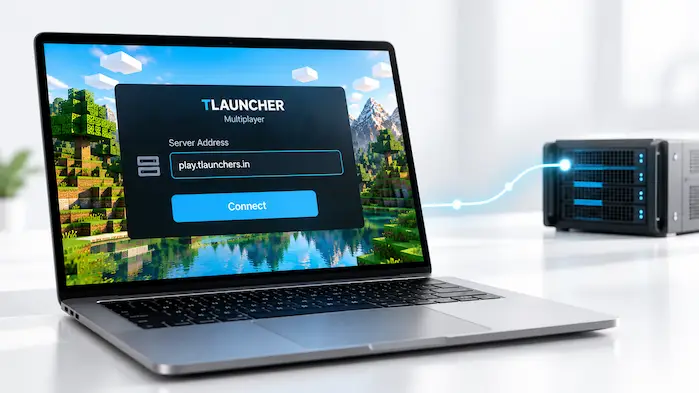
TLauncher SMP Servers
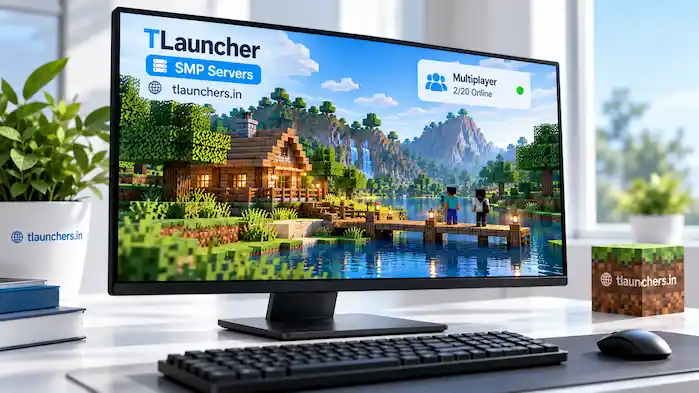
SMP means Survival Multiplayer. These servers allow multiple players to share a survival world. An SMP server can have its own rules, economy, land system, plugins, or community features. Some focus on a simple survival experience, while others add custom systems. Check the server’s version and rules before joining. An SMP may also require specific mods or restrict certain game settings.
TLauncher BedWars Servers
BedWars is a team-based Minecraft mode where players protect a bed while trying to eliminate opposing teams. Servers can implement the mode in different ways. A BedWars server may use custom maps, matchmaking, shops, upgrades, and other systems. Because these features are controlled by the server, the exact gameplay can vary.
TLauncher Servers and Minecraft Versions
The Minecraft version matters when connecting to multiplayer. A server may support a specific release, several releases, or a custom setup. Do not switch versions at random if a connection fails. First check the version listed by the server. Mods can make compatibility more complex. A server may require a particular mod loader or a specific set of files. If you use the wrong configuration, the server may reject the connection.
TLauncher Servers for Multiplayer
Multiplayer depends on both the server and the client. Even when the address is correct, other factors can prevent a connection. Your internet connection, Minecraft version, account status, server capacity, and local firewall settings can all play a role. If other websites and online games work but one server does not, the problem may be limited to that server. Checking its current status can help separate a local problem from a server-side issue.
Server Connection Problems
Connection problems are common in multiplayer games. The error message usually provides a useful starting point. Avoid changing Java, reinstalling the launcher, and changing network settings at the same time. Test one possible cause at a time so you can identify what fixes the problem.
Invalid Server Address
An incorrect address prevents Minecraft from reaching the intended server. Check every character and confirm the port if one is provided. If the address was copied from an old post, look for newer server information. A server can change its address after moving to a different host.
Version Mismatch
A version mismatch occurs when the client and server do not support the same Minecraft release. Check the server’s current version and select the matching release in your Minecraft setup. Mods and loaders may also need to match.
Connection Timeout
A timeout means Minecraft did not complete the connection within the expected period. The cause can be your network, the server, or a connection route between them. Test another online service first. If your internet works but the same server keeps timing out, check whether the server is currently available.
Server Not Responding
A server may be offline, restarting, full, or experiencing a technical issue. Try again after checking the server’s official status information. Reinstalling the launcher will not fix a server that is offline.
Login or Authentication Problems
Some multiplayer servers require specific account authentication. Others may use their own login systems after you enter the game. Never provide your main account password to an unknown server or website. If a server has special authentication instructions, read them carefully and understand what information is being requested.
Are TLauncher Servers Safe?
The safety of a server depends on the server operator and the content you interact with. The launcher does not guarantee that every multiplayer server is trustworthy. Be careful with external links, downloads, and requests for personal information. A server should not need your private account password simply because you want to play. Avoid downloading unknown programs to gain access to a server. If a server requires a mod, obtain it from a source you trust and check that it matches the required Minecraft version.
How to Choose a Minecraft Server
Choosing a server starts with your preferred game mode. A player looking for survival may want an SMP environment, while another player may prefer BedWars or other minigames. Server activity also matters. A server with few active players can feel very different from a busy community.
Before joining, check:
Do not rely on an old server list for current connection details. Addresses, versions, and rules can change.
Frequently Asked Questions
What are TLauncher servers?
They are Minecraft multiplayer servers that users can try to access through a compatible Minecraft setup. The server controls its own rules and requirements.
How do I join a server?
Find the current server address, select the required Minecraft version, add the server in the multiplayer menu, and start the connection.
What is a server address?
It is the information Minecraft uses to locate a multiplayer server. It can be a domain name or numerical IP address.
What is a server IP?
A server IP is a numerical address used to identify the computer or network location hosting a server. Some servers also require a separate port.
Can TLauncher join SMP servers?
A compatible Minecraft setup can connect to an SMP server when the server’s version and access requirements are met.
Can TLauncher play BedWars?
A compatible multiplayer setup can access BedWars when the server supports the game mode and allows the player’s connection.
Why is a server not working?
The server may be offline, the address may be outdated, or the client may use an incompatible version. Network and authentication problems can also prevent access.
Do servers need the same version?
The client needs to use a version that the server supports. Some servers allow several compatible releases, while others require a specific one.
Conclusion
TLauncher servers are Minecraft multiplayer servers that can be accessed through a compatible game setup. The server address, Minecraft version, account requirements, mods, and network connection all affect whether you can join. Check these details before connecting, and treat external downloads, links, and login requests with care.